
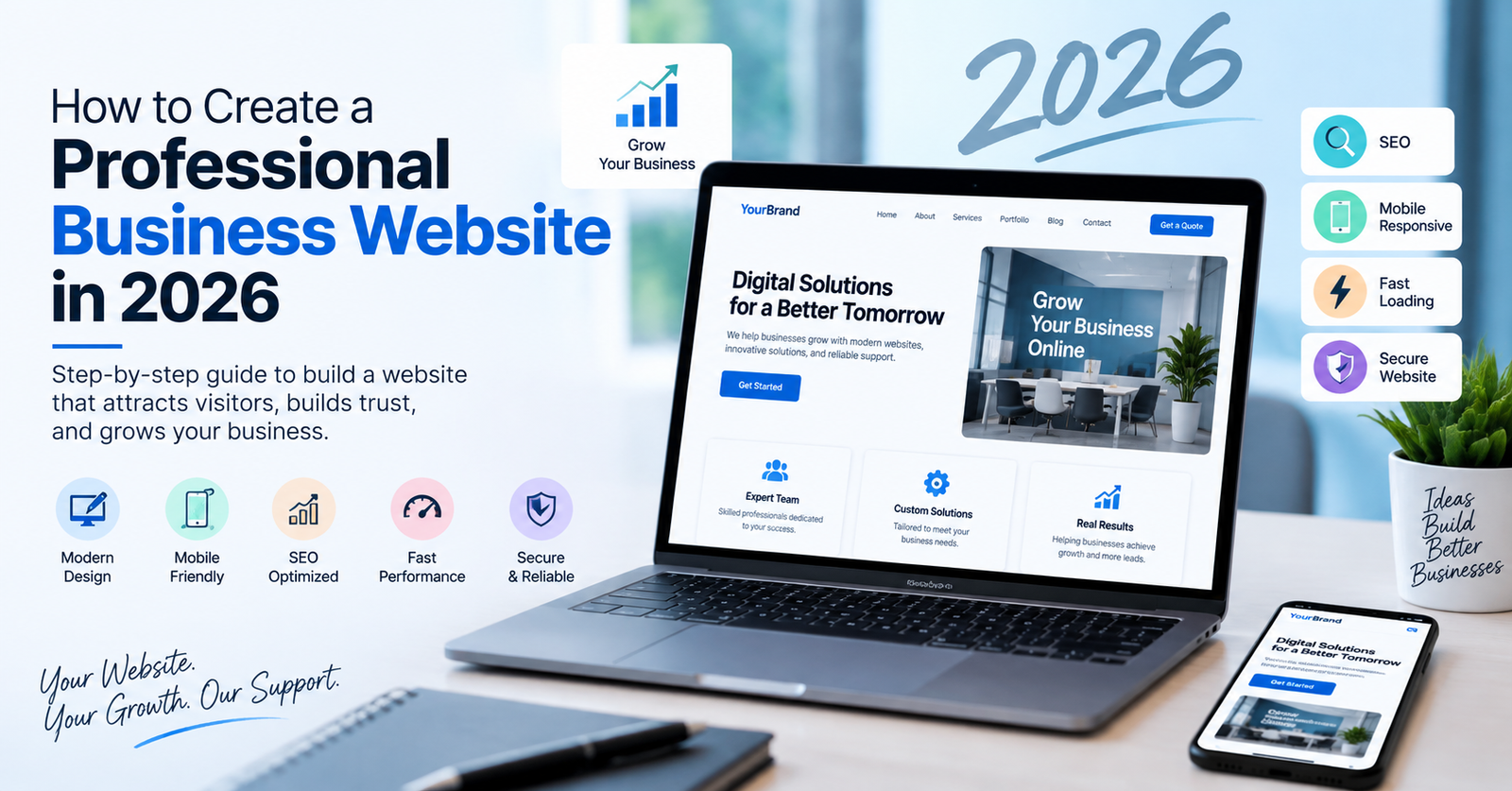
# How to Create a Professional Business Website in 2026
In 2026, having a professional website is no longer optional for most businesses. Your website is often the first place potential customers visit before they contact your company, request a quotation, or purchase a product or service.
A well-designed business website can help you build trust, generate leads, improve your online visibility, and turn visitors into customers.
But creating a professional website is more than choosing a template and adding a few pages. Your website needs a clear structure, fast performance, mobile-friendly design, useful content, strong security, and an effective SEO strategy.
In this guide, we will explain how to create a professional business website in 2026 and what you should consider before launching it.
## What Is a Professional Business Website?
A professional business website is an online platform that clearly communicates:
* What your business does
* What products or services you provide
* Who you serve
* Why customers should choose you
* How customers can contact you
A professional website should be easy to navigate, visually appealing, fast, secure, mobile-friendly, and optimized for search engines.
Your website should not simply provide information. It should help visitors take action.
For example:
**Visitor → Reads your service → Understands the benefit → Builds trust → Contacts your business**
## Why Does Your Business Need a Professional Website in 2026?
Customers increasingly search online before making business decisions. Even when someone discovers your company through social media, advertising, or a recommendation, they may visit your website before contacting you.
A professional website can help you:
### 1. Build Trust
A modern and well-maintained website creates a stronger first impression.
You can increase trust by displaying:
* Customer reviews
* Testimonials
* Case studies
* Company information
* Certifications
* Portfolio/projects
* Contact information
### 2. Generate More Leads
Your website can work as a lead-generation channel 24 hours a day.
Useful calls-to-action include:
* Get a Free Quote
* Request a Consultation
* Contact Us
* Book a Meeting
* Request a Demo
### 3. Improve Your Google Visibility
A properly optimized website can help your business appear in search engine results when potential customers search for relevant products or services.
SEO-friendly content, technical optimization, fast loading times, mobile responsiveness, and useful pages all contribute to a better search experience.
### 4. Reach Customers 24/7
Unlike a physical office, your website is available around the clock.
Potential customers can learn about your business, explore your services, and submit enquiries even outside your normal working hours.
—
# How to Create a Professional Business Website in 2026
## Step 1: Define Your Website Goals
Before designing your website, decide what you want it to achieve.
Ask yourself:
* Do I want more enquiries?
* Do I want customers to call my business?
* Do I want to sell products online?
* Do I want to generate leads?
* Do I want to showcase my portfolio?
* Do I want customers to book appointments?
Your website structure should be based on these goals.
For example, if your main goal is lead generation, your website should include clear service pages and visible enquiry buttons.
—
## Step 2: Identify Your Target Audience
Your website should be created for your customers, not just for your company.
Identify:
* Who are your customers?
* What problems do they have?
* What solutions are they looking for?
* What questions do they ask before purchasing?
* Why would they choose your business?
Understanding your audience helps you create better content and a more effective website structure.
—
## Step 3: Choose the Right Platform
There are several website platforms available in 2026.
Some common options include:
* WordPress
* Shopify
* Custom web development
* Website builders
The right platform depends on your business requirements.
For example, WordPress can be a strong choice for business websites because it provides flexibility, extensive customization options, and a large ecosystem of themes and plugins.
For an e-commerce business, platforms such as Shopify or a custom e-commerce solution may be more appropriate depending on requirements.
—
## Step 4: Plan the Website Structure
A professional website should have a simple and logical structure.
A typical business website may include:
### Home
Introduce your company, services, key benefits, and important calls-to-action.
### About Us
Explain who you are, your experience, values, and company background.
### Services
Clearly explain the services or solutions you provide.
### Portfolio or Case Studies
Show previous projects, results, and customer success stories.
### Blog
Publish helpful information that answers customer questions and supports your SEO strategy.
### Contact Us
Make it easy for customers to contact your business.
Depending on your business, you may also need:
* FAQ
* Pricing
* Testimonials
* Careers
* Industries
* Products
* Resources
—
# Step 5: Create a Modern and User-Friendly Design
Your website design should look professional without making it complicated.
Important design elements include:
### Clear Navigation
Visitors should be able to find important information quickly.
Use a simple navigation menu such as:
**Home | About | Services | Solutions | Blog | Contact**
### Consistent Branding
Use consistent:
* Logo
* Colors
* Typography
* Buttons
* Images
* Design elements
This helps create a recognizable brand identity.
### Strong Call-to-Action
Every important page should guide visitors toward the next step.
For example:
**Get a Free Consultation**
or
**Request a Quote**
—
# Step 6: Make Your Website Mobile-Friendly
Mobile responsiveness is essential in 2026.
Your website should work properly on:
* Smartphones
* Tablets
* Laptops
* Desktop computers
Check:
* Font sizes
* Buttons
* Navigation
* Images
* Forms
* Spacing
* Page layout
A visitor should not need to zoom or scroll horizontally to use your website.
—
# Step 7: Improve Website Speed
Website performance has a major impact on user experience.
A slow website can cause visitors to leave before they even see your services.
To improve performance:
* Compress images
* Use modern image formats where appropriate
* Optimize CSS and JavaScript
* Reduce unnecessary plugins
* Use caching
* Choose reliable hosting
* Optimize databases
* Use a content delivery network when appropriate
Regularly test important pages and identify performance problems.
—
# Step 8: Create SEO-Friendly Content
A professional website needs useful content.
Instead of creating content only for search engines, write content that answers real customer questions.
For example, if you provide website development services, useful topics could include:
* How Much Does a Business Website Cost?
* WordPress vs Shopify: Which Is Better?
* How to Speed Up a WordPress Website
* How to Choose a Web Development Company
* Common Website Problems and How to Fix Them
Use relevant keywords naturally in:
* Page titles
* Headings
* Paragraphs
* URLs
* Image alt text
* Meta descriptions
Avoid keyword stuffing because content should remain natural and useful for readers.
—
# Step 9: Add Trust-Building Elements
Visitors need a reason to trust your business.
Add genuine trust signals such as:
* Customer testimonials
* Reviews
* Case studies
* Portfolio
* Client logos
* Certifications
* Awards
* Business address
* Phone number
* Professional email address
For service businesses, case studies can be particularly effective because they demonstrate what you have actually achieved for customers.
—
# Step 10: Make Contacting You Easy
Don’t make visitors search for your contact information.
Include clear contact options such as:
* Contact form
* Phone number
* Email
* WhatsApp
* Business address
* Social media profiles
You can also add a CTA throughout important pages.
For example:
**Have a project in mind? Let’s discuss your requirements.**
—
# Step 11: Secure Your Website
Website security should be considered from the beginning.
Important security practices include:
* Use HTTPS/SSL
* Keep your CMS updated
* Update themes and plugins
* Use strong administrator passwords
* Use trusted plugins
* Take regular backups
* Limit unnecessary administrator access
* Monitor your website for security issues
If you use WordPress, keeping WordPress core, themes, and plugins updated is especially important.
—
# Step 12: Add Analytics and Track Performance
Launching a website is not the end of the process.
You should monitor how visitors interact with your website.
Track metrics such as:
* Website visitors
* Traffic sources
* Popular pages
* Search queries
* Enquiries
* Form submissions
* Conversion rate
This information can help you understand what is working and where improvements are needed.
—
# Essential Pages for a Business Website
At a minimum, most service-based businesses should consider having:
| Page | Purpose |
| —————— | —————————————————— |
| Home | Introduce your business |
| About | Build trust |
| Services | Explain your offerings |
| Solutions | Explain how you solve customer problems |
| Portfolio | Demonstrate experience |
| Blog | Provide useful information and attract organic traffic |
| Contact | Generate enquiries |
| Privacy Policy | Explain data/privacy practices |
| Terms & Conditions | Define website/service terms where applicable |
The exact pages will depend on your business model.
—
# Common Mistakes to Avoid
When creating a business website, avoid these common mistakes:
### 1. Complicated Navigation
If visitors cannot find what they need quickly, they may leave.
### 2. Poor Mobile Experience
A website that works well only on desktop is not enough.
### 3. Too Much Text
Break content into short sections with headings, lists, images, and other useful visual elements.
### 4. No Clear CTA
Visitors should know what action to take next.
### 5. Slow Loading Pages
Large images, unnecessary scripts, excessive plugins, and poor hosting can affect performance.
### 6. Ignoring SEO
A beautiful website is less useful if potential customers cannot find it through search.
### 7. Outdated Content
Keep your services, contact information, projects, and other important content updated.
### 8. No Security or Backup Plan
A website should have appropriate security measures and reliable backups.
—
# How Much Does It Cost to Build a Business Website in 2026?
The cost of a business website depends on several factors.
These can include:
* Number of pages
* Design requirements
* CMS/platform
* Custom functionality
* E-commerce requirements
* Third-party integrations
* SEO requirements
* Hosting
* Maintenance
* Security
* Content creation
A basic informational website will generally require less development work than a large custom platform with advanced functionality.
Instead of choosing a web development company based only on price, consider the overall value, quality, support, performance, and scalability of the solution.
—
# Professional Website vs DIY Website
A DIY website can be suitable for very small businesses with simple requirements and limited budgets.
However, professional web development can provide advantages when you need:
* Custom design
* Better performance
* Advanced functionality
* SEO optimization
* Third-party integrations
* Better scalability
* Ongoing maintenance
* Professional support
The right choice depends on your business goals and technical requirements.
—
# What Makes a Website Successful in 2026?
A successful business website should combine several elements:
**Professional Design + Useful Content + SEO + Performance + Mobile Responsiveness + Security + Clear CTA**
A website should not only look good. It should help your business achieve measurable goals.
Think of your website as a **business tool**, not simply an online brochure.
—
# Final Checklist Before Launching Your Website
Before making your website live, check:
☑ Website works on mobile and desktop
☑ Navigation works correctly
☑ Contact forms are working
☑ Contact information is correct
☑ Images are optimized
☑ Website loads quickly
☑ HTTPS is enabled
☑ Important pages have SEO titles and descriptions
☑ Images have appropriate alt text
☑ Social links work
☑ Analytics is configured
☑ Website backups are available
☑ Privacy and legal pages are reviewed
☑ Content is proofread
☑ All buttons and links work correctly
—
# Conclusion
Creating a professional business website in 2026 requires more than an attractive design. Your website should provide a smooth user experience, communicate your services clearly, perform well on mobile devices, load quickly, support SEO, and make it easy for customers to contact you.
Whether you are creating a new website or redesigning an existing one, start with your business goals and customer needs. Then build the design, content, functionality, and SEO strategy around those goals.
**Need a professional website for your business?**
Our team can help you plan, design, develop, optimize, and maintain a website tailored to your business requirements.
**Contact us today to discuss your website project and find the right solution for your business.**